
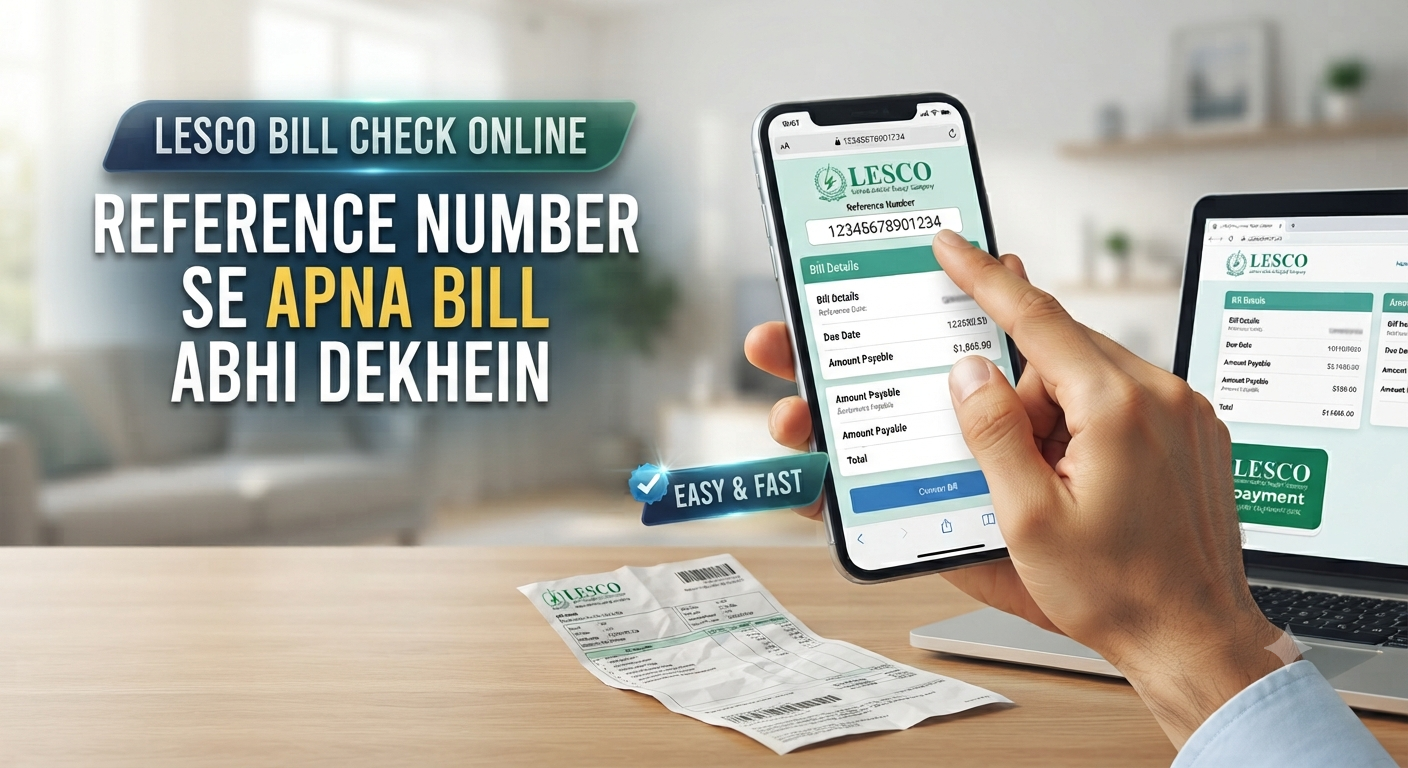
LESCO Online Bill Check Karne Ka Tarika
Need to check your LESCO bill? Follow this 2026 step-by-step guide to view and download your electricity bill online using your 14-digit reference number easily. Missing your physical electricity bill is a common headache, but you don’t need to stress or wait for the postman to arrive. Whether you’ve misplaced your paper statement or just want to confirm your current charges to avoid late payment surcharges, checking your LESCO bill online is a straightforward process that takes less than two minutes. As of 2026, the Lahore Electric Supply Company (LESCO) has streamlined its digital infrastructure to ensure that consumers can access their billing data instantly via the PITC (Pakistan Information Technology Company) portal. In this guide, I will walk you through the exact steps to fetch your duplicate bill, explain how to handle your reference number, and provide tips to manage your electricity account like a pro.
Also read: LESCO Bill Check Online: How to Download Your Duplicate Bill in 2 Minutes
What is a LESCO Reference Number and Where to Find It?
Your 14-digit Reference Number is the most critical piece of information for any LESCO-related online transaction. Think of it as your digital fingerprint within the company’s database; it uniquely identifies your specific connection, tariff type, and billing cycle.
How to Locate Your Reference Number
If you are looking at your physical bill, you will typically find the reference number printed at the top-left corner. It is often written in a format like 12 34567 8901234.
What if You Have Lost Your Bill?
If you don’t have the paper copy, don’t worry. You can find this 14-digit identifier in the following places:
- Previous Bills: Check any old billing statement or even a photo you might have taken of a past bill.
- Bank Payment Receipts: If you have paid your bill through a banking app or at an ATM, the transaction history will typically record the reference number used for that payment.
- SMS Alerts: If you have subscribed to LESCO’s SMS notification service, your monthly bill alerts often contain your account details.
Step-by-Step: How to Check LESCO Bill Online
The official and most reliable way to view your current electricity bill is through the centralized PITC portal. Follow these steps to get your duplicate copy:
1. Visit the Official Portal
Open your browser and navigate to bill.pitc.com.pk/lescobill. This is the official interface used by LESCO to display real-time billing data.
2. Enter Your Credentials
On the landing page, you will see a box designated for your identifier.
- Input the 14-digit reference number.
- Crucial Tip: Enter the digits without any spaces or dashes. If your bill shows spaces, ignore them and type the digits as one continuous string.
3. Generate and View
Click the “Submit” or “View Bill” button. The system will process your request and fetch the data directly from the LESCO server. Your current bill, including the meter reading, unit consumption, and the specific due date, will appear on your screen.
4. Download or Print
Once the bill is displayed, you can save it as a PDF file to your phone or computer. Having a digital copy is handy for record-keeping or if you prefer to pay through your banking app by manually entering the billing details.
Why Should You Check Your Bill Online Regularly?
Many consumers only check their bills when they receive the paper copy, but that’s a risky strategy. By keeping tabs on your consumption digitally, you gain several advantages.
Avoid Late Payment Surcharges (LPS)
Bills often get lost in the mail or arrive just a day or two before the due date. If you wait for the physical copy, you risk missing the deadline. Checking online gives you a buffer, allowing you to pay your dues well before the penalties kick in.
Monitor Consumption Trends
If you see a sudden, unexplained spike in your bill, you can investigate immediately. By comparing your current units consumed against previous months, you can identify if you’ve had an “estimated reading” error (common when the meter reader skips a house) and file a complaint early.
Frequently Asked Questions (FAQ)
1. Is the LESCO online duplicate bill valid for payment?
Yes, the duplicate bill generated from the official PITC portal is identical to the original and is accepted by all banks, ATMs, and digital payment platforms (EasyPaisa, JazzCash, etc.).
2. Can I pay my bill using the Customer ID instead of the Reference Number?
Most portals primarily use the 14-digit Reference Number. If a specific interface offers a “Customer ID” option, you can use your 7-digit ID, but for the main portal, the 14-digit reference number is the standard requirement.
3. What if the website shows “Bill Not Found”?
Double-check your 14-digit number for any typos. If the number is correct and still shows an error, it may be due to a server update. Try again after an hour. If the issue persists, contact the LESCO helpline at 118.
4. How can I correct a wrong meter reading?
If you suspect the reading on your bill is incorrect, take a clear photo of your electricity meter with a date stamp. Use the LESCO Customer Complaint Management System (CCMS) portal to register a dispute within 7 days of the bill’s issuance.
5. Are there any charges for checking the bill online?
No, checking your bill on the official PITC portal is completely free of cost. Avoid any third-party websites that ask for payments to show your bill.