
LESCO Bill Check Online
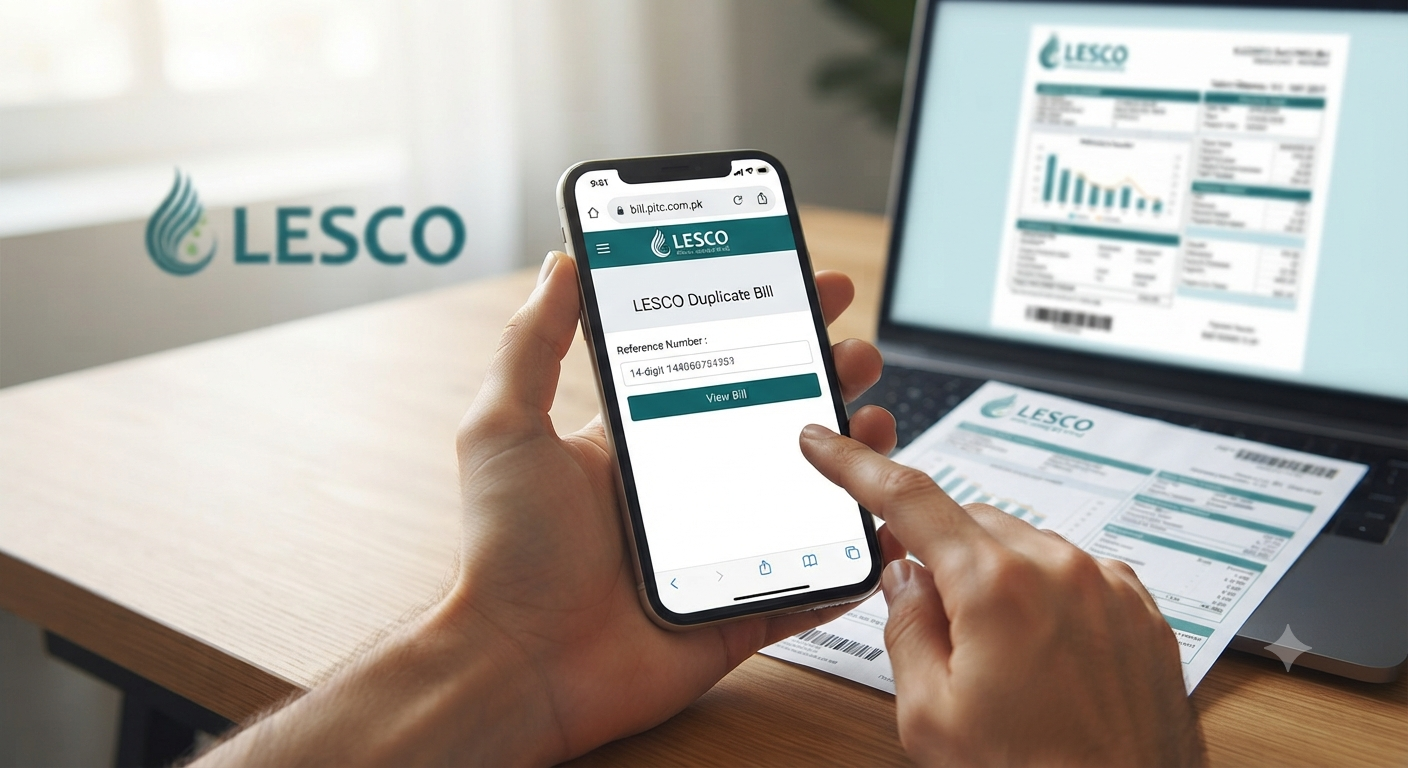
Need your LESCO bill? Learn how to download your LESCO duplicate bill online in 2 minutes using your reference number. Simple, fast, and 100% free for 2026. Have you ever found yourself scrambling for a paper electricity bill moments before the payment deadline, only to realize it’s nowhere to be found? Whether you’ve misplaced the physical copy or it simply never reached your doorstep, the Lahore Electric Supply Company (LESCO) has streamlined the process to ensure you aren’t left in the dark—or stuck with late payment surcharges. In this guide, I’ll walk you through exactly how to check your LESCO bill online and download a duplicate copy in under two minutes. No registration, no complicated logins, and absolutely no waiting in lines.
Also read: CM Punjab E-Bike Scheme 2026: Online Apply Karne Ka Mukammal Tarika
Understanding the LESCO Online Billing System
The transition to digital billing in 2026 has been a game-changer for residents in Lahore and surrounding areas. LESCO now utilizes a centralized portal hosted by the Pakistan Information Technology Company (PITC), which acts as a single point of truth for your electricity consumption data.
If your address falls within the LESCO jurisdiction, your billing data is accessible 24/7. This system is designed to provide immediate access to your current month’s payable amount, meter reading details, and even historical records.
What information do you need to check your bill?
To pull up your bill, you only need one of two identifiers. You can find these on any old paper bill you might have stashed in a drawer:
- 14-Digit Reference Number: This is your primary key. It’s typically located at the top-left corner of your bill. When entering this online, omit any spaces and type only the digits.
- 7-Digit Customer ID: If you don’t have your reference number, the customer ID acts as a reliable alternative. It is also printed clearly on the face of your previous bills.
Step-by-Step: How to Download Your LESCO Duplicate Bill
You don’t need to be tech-savvy to navigate this. Follow these exact steps to secure your duplicate bill:
1. Visit the Official LESCO Portal
Go directly to the PITC-hosted billing portal at bill.pitc.com.pk/lescobill. Avoid third-party sites that require you to sign up for accounts; the official portal is free and doesn’t store your personal data.
2. Enter Your Credentials
Locate the input field on the page. Select whether you are searching by “Reference Number” or “Customer ID” from the dropdown menu (if applicable). Type your 14-digit number carefully.
3. Generate and View
Click the “Submit” or “View Bill” button. Within a second or two, your bill will load in a new window. It will look identical to the paper version you usually receive, complete with the LESCO logo, your name, and the total amount due.
4. Download or Print
Once the bill is displayed, look for the “Print” or “Download” icon in your browser’s toolbar. Saving it as a PDF is your best bet—it keeps a clean, digital record on your phone or computer that you can easily email to your landlord or save for your own tax records.
How Can I Pay My LESCO Bill Online?
With the recent LESCO policy change effective April 1, 2026, you can no longer pay your bills at the post office. This has nudged many of us toward more efficient, digital methods.
- Mobile Banking Apps: Most major banks in Pakistan (HBL, Meezan, Alfalah, etc.) have an “Electricity Bill” option under their payment sections.
- Digital Wallets: Apps like JazzCash and Easypaisa are incredibly popular for their speed. You simply enter your reference number, verify the amount shown, and hit pay.
- QR Code Payments: The newly designed LESCO bills now feature QR codes. You can scan these directly with your banking app to avoid typing errors.
Why is My LESCO Bill Higher Than Expected?
One of the most common frustrations is a sudden spike in the bill amount. Before assuming there is a meter error, look at the “Units Consumed” section.
- Check the Reading Dates: Ensure the billing period covers the standard 30-day window.
- Compare with Previous Months: A sudden jump often coincides with seasonal changes (like increased AC usage in summer).
- Verify Sanctioned Load: If you’ve added heavy appliances, you might be pushed into a higher tariff slab.
If the units consumed on your bill significantly differ from what your physical meter shows, take a date-stamped photo of the meter and file a dispute through the CCMS (Customer Complaint Management System) within seven days.
Frequently Asked Questions (FAQ)
1. Can I check my LESCO bill using my CNIC?
Currently, the LESCO online system requires a 14-digit Reference Number or 7-digit Customer ID. It cannot be searched by CNIC alone.
2. What if my reference number is not working?
Double-check that you are entering all 14 digits without spaces. If it still fails, the connection might be inactive, or there could be a system update. Try again after an hour or contact the LESCO helpline at 0800-00118.
3. Is the duplicate bill valid for bank payments?
Yes. The digital duplicate generated from the official PITC portal is legally identical to your original bill and is accepted by all authorized banks and digital payment platforms.
4. Can I get my bill via SMS?
Yes, you can register for SMS alerts. By texting pitc<space><14-digit-reference-number> to 8334, you can receive your bill status directly on your mobile.
5. Is there a fee for downloading a duplicate bill?
No. The LESCO duplicate bill service is entirely free. If a website asks you to pay to view your bill, leave that site immediately.