
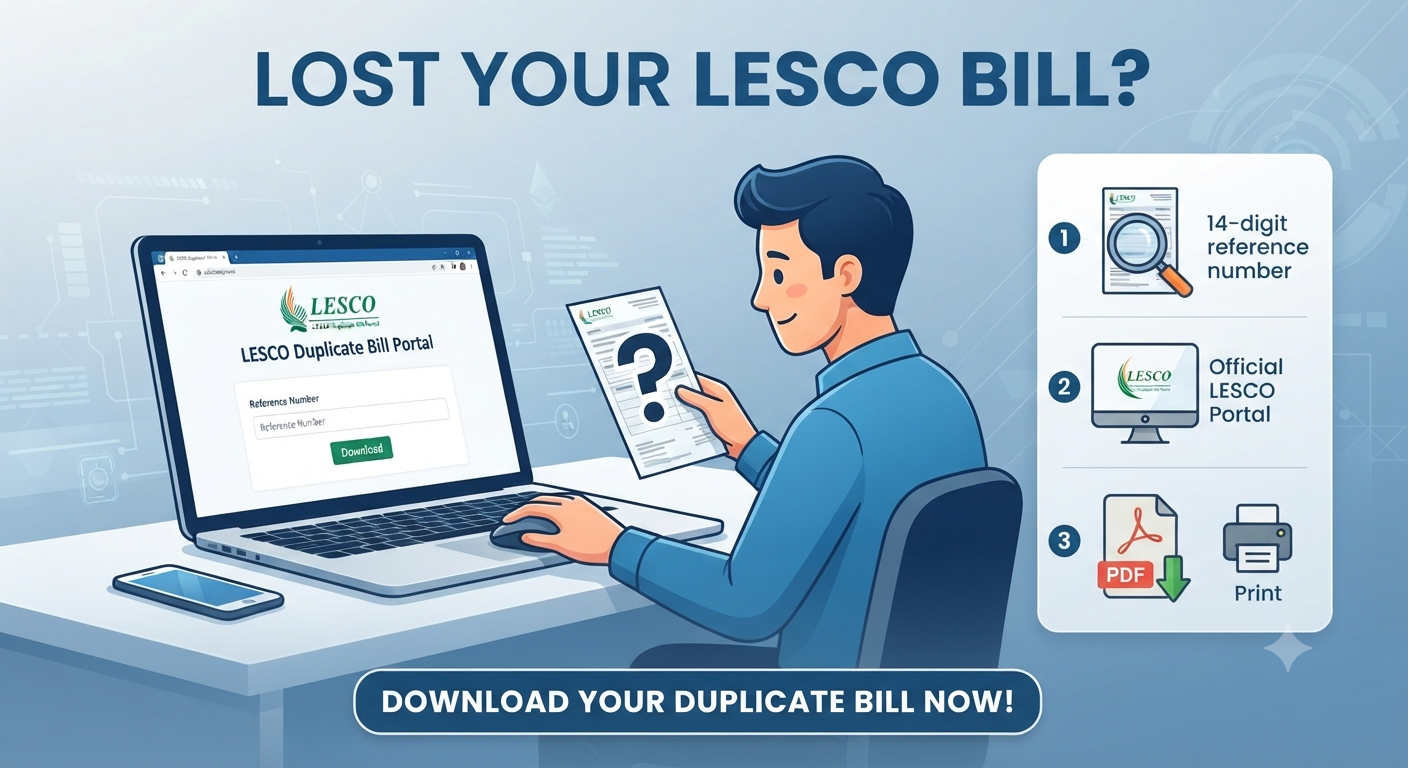
LESCO Duplicate Bill Online
Lost your LESCO bill? Download your LESCO duplicate bill online in 2026 using your 14-digit reference number. Fast, free, and official instructions here. We’ve all been there—you reach for your electricity bill to pay it, only to realize the paper copy never arrived or was misplaced. Before the late-payment panic sets in, take a breath: you don’t need the physical paper to avoid those frustrating surcharges. In 2026, the Lahore Electric Supply Company (LESCO) has fully digitized its billing process. Whether you’re at home or on the go, you can generate, view, and print an official duplicate bill in less than two minutes.
Also read: GEPCO Online Bill Update: Check Your Gujranwala Electricity Bill Instantly
Why You Should Switch to Digital LESCO Bills
Gone are the days of waiting for the postman to deliver your monthly statement. Using the online portal isn’t just about recovering a lost document; it’s about taking control of your utility management.
- Zero Wait Time: Get your bill the second it’s generated in the system.
- Convenience: Access your payment status from anywhere in the world.
- Financial Safety: Paying online helps you avoid the “lost bill” penalty trap, saving you from unnecessary late-payment surcharges.
- Eco-Friendly: By opting for digital copies, you reduce paper waste and clutter in your home.
What Information Do You Need to Access Your Bill?
To pull your record from the LESCO database, you need one of two unique identifiers. You can find these on any of your previous bills or bank receipts:
- 14-Digit Reference Number: This is your primary key. It’s located on the top left of your bill. When entering it into the portal, remember to type the numbers exactly as they appear, but exclude any spaces.
- 7-Digit Customer ID: If you don’t have your reference number, your Customer ID (found on the bill face) is your secondary lifeline.
What if I Can’t Find My Reference Number?
If you’ve truly lost all traces of your bill, don’t worry. You can find your reference number on any older payment receipt from your bank, JazzCash, or EasyPaisa. If that fails, a quick call to the LESCO helpline at 118 or 0800-00118 with your CNIC and address ready will help you retrieve your account details.
How to Download Your LESCO Duplicate Bill Step-by-Step
The official PITC portal is the most reliable source for your duplicate bill. Follow these steps to get your copy:
- Visit the Portal: Navigate to the official PITC LESCO bill portal.
- Select Your Identifier: Use the dropdown menu to select either “Reference Number” or “Customer ID.”
- Enter Details: Type in your 14-digit reference number or 7-digit ID.
- Submit: Click the “Search” or “View Bill” button.
- Download as PDF: Once your bill appears on the screen, look for the print or download icon. Save the file as a PDF on your phone or computer.
Pro-Tip: If you’re paying via a mobile app, you often don’t even need to download the PDF. Just input your reference number into apps like JazzCash, EasyPaisa, or your bank’s mobile app, and the current payable amount will be fetched automatically.
Common Challenges and How to Fix Them
Sometimes technology has a mind of its own. Here is how to handle the most common issues:
- The Site Isn’t Loading: High traffic during the final days of the payment cycle can slow down the servers. Try refreshing the page or using a different browser (Chrome or Edge are usually most stable).
- “Record Not Found”: Double-check that you haven’t included spaces in your 14-digit number. If it still fails, ensure you are selecting the correct identifier type (Reference Number vs. Customer ID) in the dropdown.
- Bill Amount Not Updating: If you’ve already paid the bill, it may take 24–48 hours for the system to reflect a “Paid” status. Always save your digital payment receipt until the status updates.
Understanding Your Updated 2026 LESCO Bill
LESCO has recently updated its bill design to be more “digital-first.” You’ll now notice a prominent QR Code on your statement. This code allows for instant scanning at bank counters and automated machines, significantly reducing manual data entry errors.
If you find that your bill looks different than it did last year, it’s likely because of this modernization effort meant to speed up the payment verification process.
Important Update: Changes to Payment Channels
As of April 1, 2026, LESCO has officially discontinued accepting electricity bill payments at post offices. If you have been relying on your local post office for payments, you must switch to:
- Mobile Wallets: JazzCash, EasyPaisa, or NayaPay.
- Banking Apps: Most commercial bank apps support direct utility bill payments.
- Authorized Collection Points: Banks and NADRA eSahulat centers remain valid.
Frequently Asked Questions (FAQ)
1. Is the duplicate bill valid for payment?
Yes. The duplicate bill generated from the official PITC portal is identical to the original and is accepted by all banks and digital payment platforms.
2. Can I check my bill using my CNIC?
No, the LESCO system is mapped to your 14-digit reference number or 7-digit Customer ID, not your CNIC.
3. Is there a fee for downloading a duplicate bill?
No, the service is completely free. Be wary of any third-party websites asking for payment to “process” your duplicate bill.
4. How can I receive my bill via email?
You can visit the LESCO website or use third-party bill-checking services that offer an “email subscription” feature where they send your bill directly to your inbox every month.
5. What should I do if my bill amount seems incorrect?
If the charges don’t align with your usage, you can file a formal complaint through the Customer Complaint Management System (CCMS) by calling 118 or visiting the nearest LESCO office.