
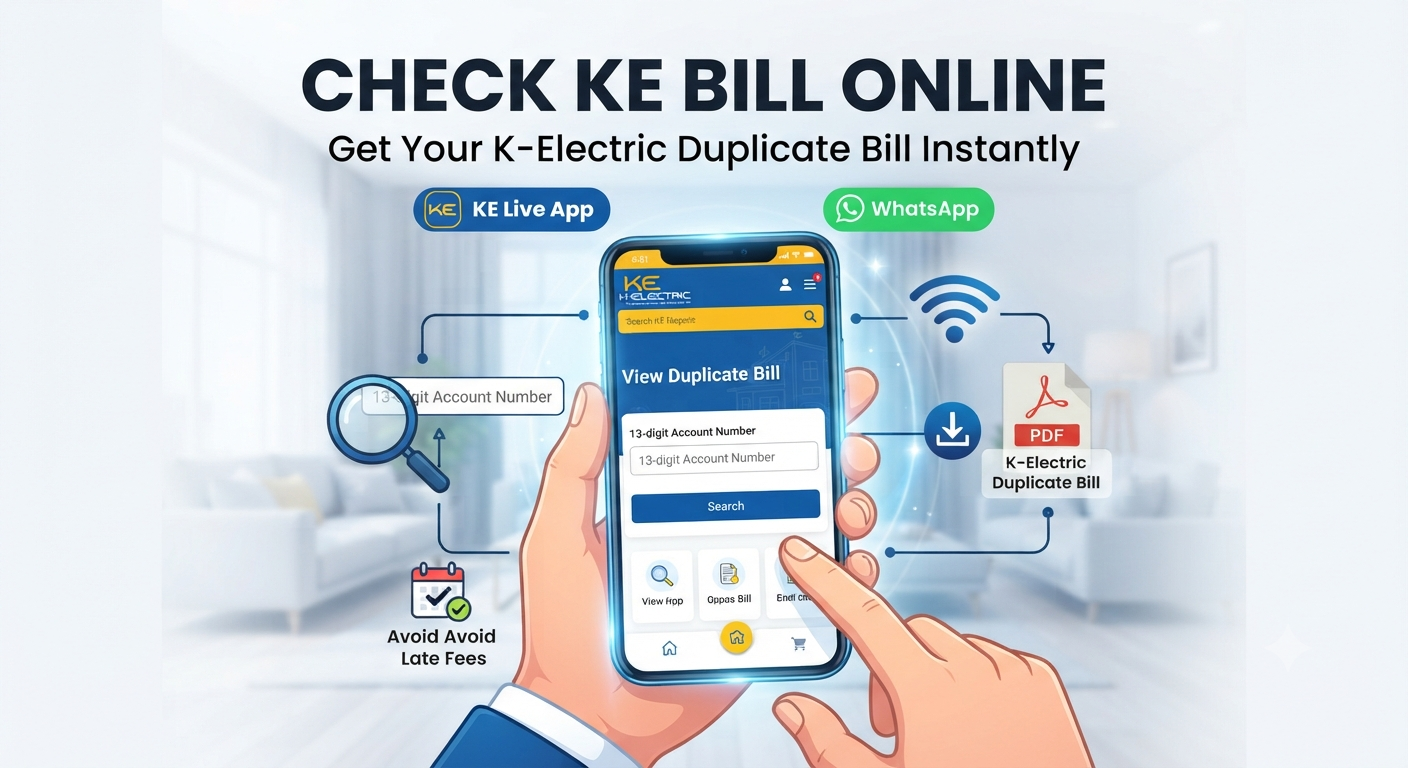
KE Bill Check Online
Need your K-Electric duplicate bill? Learn the quickest ways to check your KE bill online, download PDFs, and manage payments effortlessly in this 2026 guide. Have you ever stared at an empty mailbox, wondering if your electricity bill was lost or if you simply missed the delivery person? You’re certainly not alone, and fortunately, the days of waiting for a paper bill to arrive to avoid a late fee are long gone. Whether you’re in the middle of a busy workday or just settling into your evening, checking your K-Electric (KE) bill online is a matter of seconds. With the right tools at your fingertips, you can view, download, and even pay your bill without ever leaving your chair.
Also read: Lost Your Bill? How to Download Your LESCO Duplicate Bill Online (2026 Guide)
Why Checking Your KE Bill Online Is a Game Changer
In the past, missing a physical bill meant a frantic trip to a customer service center or calling a busy helpline. Today, digital transformation has made “bijli ka bill” management seamless for millions of Karachi residents.
Beyond just avoiding late payment surcharges, checking your bill online allows you to maintain a digital archive of your energy consumption patterns. This insight is incredibly valuable if you’re trying to manage your monthly budget or if you’re curious about how specific appliances impact your utility costs. When you have instant access to your data, you stay in control of your household finances rather than reacting to them.
Methods to Check Your K-Electric Duplicate Bill
You don’t need to be a tech expert to retrieve your information. K-Electric and various third-party platforms have streamlined the process into a few simple steps.
Using the Official K-Electric Website
The official KE website remains the most authoritative source for your billing data.
- Visit the KE Digital Bills & Payments page.
- Locate the search field where you can input your 13-digit Account Number.
- Complete the security captcha, then click “View Bill.”
- Your current bill will load, allowing you to download it as a PDF for printing or record-keeping.
Getting Your Bill via WhatsApp
For many, the K-Electric WhatsApp service is the fastest route. Simply save the official KE WhatsApp number (0348-0000118) in your contacts. Sending a “Hi” to this number initiates a chat menu where you can select the “Duplicate Bill” option, enter your account number, and receive your bill file instantly.
Utilizing Mobile Apps
If you frequently manage bills for multiple properties or prefer a unified interface, apps like the KE Live App or financial utility apps like Udhaar Book provide a more robust experience. These platforms often store your account details, meaning you don’t have to hunt for your 13-digit account number every single month.
What Should I Do If My KE Bill Page Appears Blank?
Sometimes, during high-traffic periods—such as the days leading up to a due date—the official portal might experience temporary sluggishness. If you find yourself staring at a blank screen, don’t panic.
- Refresh the Page: A simple browser refresh often resolves minor loading hiccups.
- Clear Browser Cache: Old data stored in your browser can occasionally conflict with real-time updates.
- Try an Alternative: If the official site is struggling under heavy load, using the WhatsApp bot or a trusted third-party app is a reliable workaround to get your bill immediately.
Understanding Your KE Bill Components
Your electricity bill isn’t just a total amount; it’s a detailed report of your consumption. Understanding these segments can help you optimize your usage.
How Are Fixed Charges Applied?
Recent regulatory updates (SRO 279) have changed how fixed charges are calculated. Instead of a flat fee per connection, these are now typically billed based on your sanctioned load (kW). This change is designed to better reflect the infrastructure costs associated with your specific connection capacity.
Why Do I See Multiple Fuel Cost Adjustments (FCA)?
You might notice several FCA entries in a single month. This happens when NEPRA (the national regulator) schedules the recovery of adjustments from previous months. While it might look confusing, it’s a standard procedure to ensure that the cost of power generation—which fluctuates with global fuel prices—is accurately reflected in the consumer tariff.
Frequently Asked Questions
1. Is it safe to check my KE bill through third-party apps?
Yes, provided you use reputable platforms. Official KE channels are always the safest, but established financial apps that partner with secure payment gateways are also reliable for viewing and paying bills.
2. Can I get a duplicate bill without my 13-digit account number?
Unfortunately, no. The 13-digit account number is the unique identifier for your meter. If you don’t have it, check an older paper bill or contact the KE helpline at 118 for assistance.
3. Does checking my bill online cost any money?
No, accessing your duplicate bill through official KE channels or the WhatsApp bot is completely free of charge.
4. How can I receive my bill automatically every month?
You can subscribe to E-Billing on the K-Electric website. This ensures that your monthly bill is sent directly to your registered email address as soon as it is generated.
5. What if I missed the due date?
You can still view and download your bill online. While you may be liable for late payment surcharges, paying through your banking app or a digital wallet is often faster than visiting a physical bank branch.