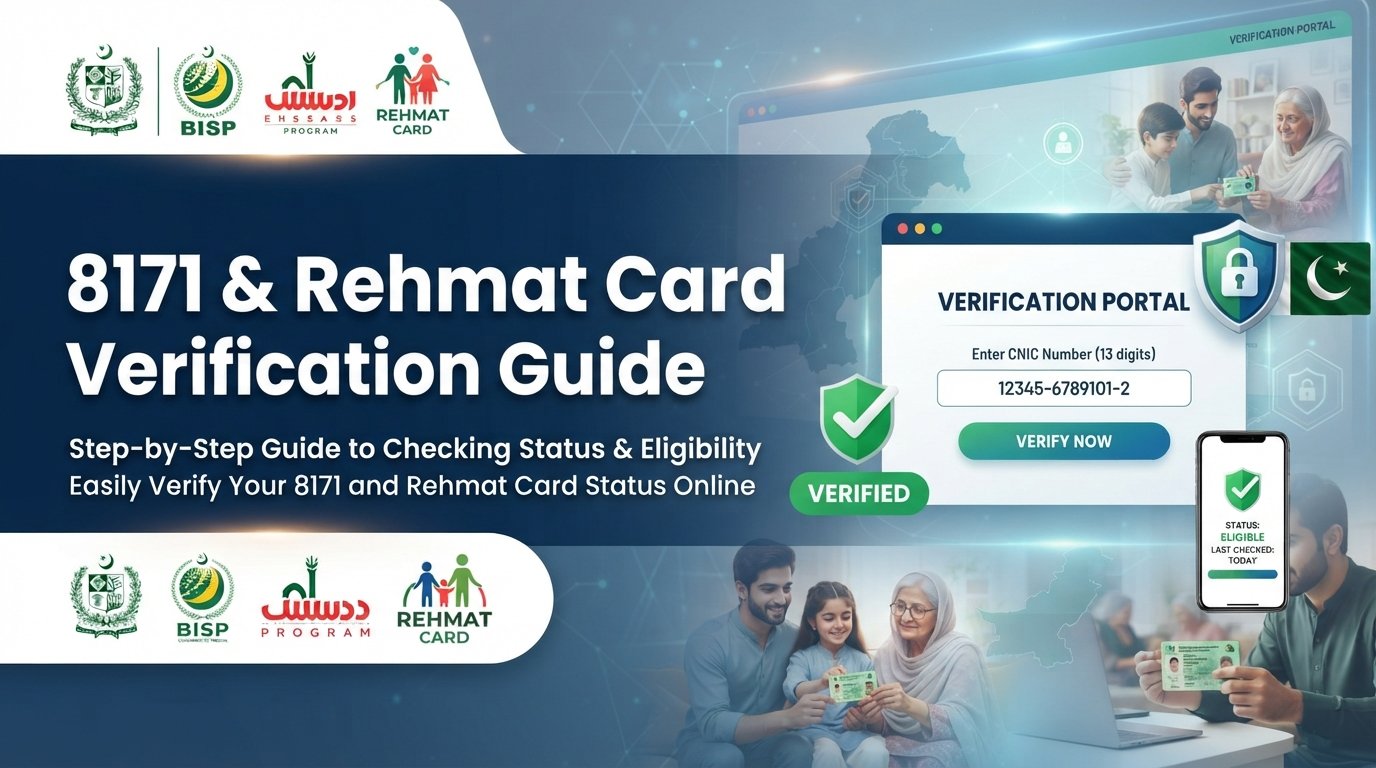
8171 and Rehmat Card Verification Step by Step Guide
Step-by-step 8171 & Rehmat Card verification guide. Learn how to check CNIC eligibility online, resolve status errors, and receive payments safely. If you have tried checking your social welfare status only to get stuck on an endlessly spinning loading icon or a cryptic SMS error, you are not alone. Navigation through government assistance portals in Pakistan can feel like searching for a needle in a haystack—especially when fake sites and misleading apps clutter search results. Whether you are trying to verify your eligibility for monthly cash disbursements or tracking the newly integrated welfare schemes linked to your CNIC, getting a clear answer should not take all afternoon. This guide strips away the technical jargon and walks you through the exact, step-by-step verification process using official government channels.
Understanding the 8171 System & Rehmat Card Framework
To verify your status accurately, it helps to understand how these systems connect behind the scenes.
What is the 8171 Telecommunication Portal?
The 8171 shortcode is the central gateway for social safety net programs operated under the Benazir Income Support Programme (BISP) and synchronized provincial welfare initiatives. Managed in tandem with NADRA (National Database and Registration Authority) and the NSER (National Socio-Economic Registry) database, this system validates a citizen’s 13-digit CNIC to determine income thresholds, proxy means test (PMT) scores, and active payment schedules.
How the Rehmat Card Integrates with 8171 Verification
The Rehmat Card program serves targeted social protection initiatives designed for healthcare assistance, relief packages, and low-income support. To eliminate duplicate records and prevent fraud, registration records for the Rehmat Card are cross-referenced with the central 8171 NSER database. When you initiate an 8171 check, the system evaluates your household profile across both national cash support thresholds and specific provincial relief registries simultaneously.
Step-by-Step 8171 & Rehmat Card Verification Guide
You can verify your eligibility through two distinct methods: the 8171 Web Portal (best for detailed status checks) or the 8171 SMS Gateway (ideal if you do not have active internet access).
Quick Verification Checklist
- CNIC: Original 13-digit CNIC (Unexpired)
- SIM Card: Active SIM card registered under the same CNIC
- Balance/Internet: Active web browser or minimum PKR 1–2 mobile balance for SMS
Method 1: Verification via the Official 8171 Web Portal
Step 1: Access the Government Portal safely
Open your browser and navigate directly to the official government portal at 8171.bisp.gov.pk. Avoid clicking on third-party links or search ads that do not end in .gov.pk to protect your sensitive personal information.
Step 2: Input your 13-digit CNIC
Type your 13-digit Computerized National Identity Card number into the dedicated field. Ensure you enter the digits sequentially without adding hyphens, spaces, or special characters (e.g., 3520212345671).
Step 3: Complete the visual Captcha security check
Enter the four-digit code displayed in the captcha image on your screen. If the numbers are unclear, click the refresh button next to the image to generate a new sequence.
Step 4: Submit and review your detailed status
Click on the Check Eligibility (معلوم کریں) button. The screen will display one of three outcomes:
| Portal Response | What It Means | Action Required |
| Eligible (اہل) | Your household qualifies and funds are allocated. | Visit a biometric payment center or partner bank ATM with your CNIC. |
| Under Verification (زیرِ چھان بین) | Data is undergoing cross-matching between NSER and NADRA. | Wait 2 to 4 weeks and recheck; no immediate action needed. |
| Not Eligible (نااہل) | PMT score exceeds the income threshold or profile is incomplete. | Visit the nearest BISP Tehsil Center to update your NSER survey profile. |
Method 2: Verification via 8171 SMS Service
Step 1: Open your phone text messaging app
Open the native SMS application on your mobile phone. For best results, use a SIM card registered directly under the CNIC you are checking.
Step 2: Compose a plain text message
Create a new message and type your 13-digit CNIC number. Do not include spaces, dashes, or extra words like “Check” or “Status”.
Step 3: Send to 8171 and receive instant response
Send the text message to 8171. Within a few moments, you will receive an automated reply from 8171 containing your qualification details and payment status.
Eligibility Criteria and Document Requirements
Getting approved for welfare programs requires meeting specific socio-economic standards defined by the government.
Core Eligibility Criteria
- Poverty Means Test (PMT) score threshold: Your household’s PMT score—calculated using parameters like family size, property ownership, and utility expenditure—must fall below the official cutoff limit (typically 32 or lower).
- Maximum household income caps: The combined monthly income of the applicant’s household must not exceed prescribed government poverty thresholds (generally under PKR 30,000 per month).
- Categorical exclusions: Applicants do not qualify if any family member is a government employee, owns registered commercial assets/vehicles, or has extensive international travel history.
Required Documentation for Physical Biometric Verification
If your 8171 check shows you are eligible, bring these original documents when collecting funds or completing registration:
- Original CNIC: Valid, original smart card issued by NADRA (laminated copies are not accepted).
- Registered SIM Card: An active mobile number registered under the same CNIC.
- Household Data Documents: Electricity/gas bills and child B-Forms (if enrolling in educational stipend programs).
Troubleshooting Common Verification Errors
What to do if your status says “Under Verification”?
An “Under Verification” status occurs when your application profile is actively being cross-checked against land records, banking channels, and NADRA identity registries.
This usually happens after a dynamic survey update. You do not need to reapply immediately; allow 14 to 30 days for system processing before running another check.
How to resolve biometric identification failures
Biometric verification issues often affect manual laborers or elderly beneficiaries due to worn fingerprints. If the bank agent or POS terminal fails to scan your fingerprints:
- Request a device lens cleaning and try all eight fingers and thumbs.
- If scanning fails across multiple attempts, visit your local NADRA office to update your biometric finger records.
- Obtain a Biometric Exemption Form from the BISP Tehsil Office to process payments through designated branch counters.
How to update your household data in the NSER Registry
If your financial situation has changed or your status reads “Not Registered”:
- Find your nearest BISP Tehsil Executive Office.
- Visit the dynamic NSER registration counter with your original CNIC and household bill records.
- Complete the live survey interview with the registration officer to generate a fresh PMT score.
Security Guidelines: Avoiding 8171 Fraud & Fake Portals
Welfare programs are frequent targets for SMS scams and fraudulent websites designed to harvest private details or steal payments. Protect yourself with these safety guidelines:
- Verify the Domain Name: Official checks take place only on URLs ending with .gov.pk (such as 8171.bisp.gov.pk). Avoid .com, .org, .net, or blog sites claiming to process registrations directly.
- Check the Sender ID: Official government messages originate exclusively from the 4-digit shortcode 8171. Ignore messages claiming you have won money coming from standard 11-digit mobile numbers (e.g., 0300-XXXXXXX).
- Never Pay Fees: 8171 verification and Rehmat Card registrations are 100% free of charge. Never pay anyone money to “speed up” approval or clear an ineligible status.
Frequently Asked Questions
How long does 8171 SMS status verification take?
The 8171 SMS service typically responds within 30 to 60 seconds. High network congestion can cause minor delays; if you do not get a reply within an hour, try resending during non-peak times.
Can I verify Rehmat Card status using someone else’s phone?
Yes. You can send any valid 13-digit CNIC number to 8171 or check it on the web portal from any mobile device, regardless of who owns the SIM.
Is there any fee for checking 8171 status online?
No, using the online portal is completely free. Checking via SMS only costs standard network text message rates (less than PKR 2) set by your mobile carrier.
What should I do if my CNIC is expired on the 8171 portal?
If your identity card has expired, the 8171 system automatically flags your account. Visit a NADRA center to renew your CNIC immediately; once updated, your eligibility record syncs automatically within two weeks.
How often is the 8171 NSER database updated?
The government updates NSER survey records dynamically throughout the year. Beneficiaries can update their household financial and structural details every 2 to 3 years at a local Tehsil center.
Summary of Verification Steps
Keeping track of your welfare status does not need to be complicated. By using the official 8171.bisp.gov.pk web portal or sending your 13-digit CNIC directly to 8171, you get clear, real-time access to your eligibility status without needing middlemen.
Keep your CNIC renewed at NADRA, ensure your household survey details stay up to date, and rely exclusively on official .gov.pk channels to safeguard your financial relief.