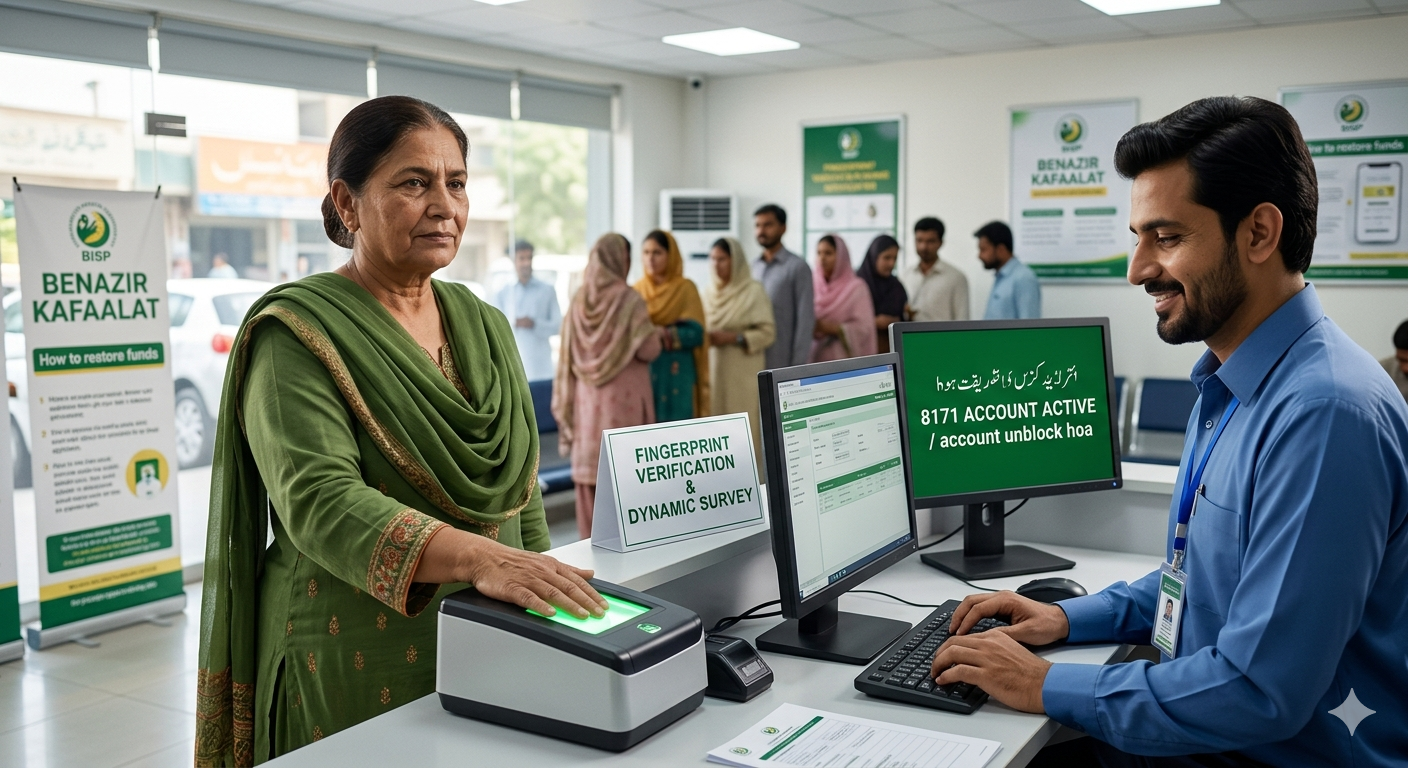
How to Unblock BISP Account 2026
For thousands of families across Pakistan, the Benazir Income Support Programme (BISP) serves as a vital financial lifeline. However, it can be incredibly frustrating to check your status on the 8171 portal only to discover that your regular quarterly financial assistance has been suddenly suspended. If your account is restricted, you are not alone; thousands of beneficiaries face this issue due to updated data policies, biometric system changes, or structural shifts like the transition toward digital wallets. Getting your account suspended does not mean you are permanently disqualified. By understanding the root causes of the restriction and taking the exact, official steps required for restoration, you can safely reactivate your funds. This comprehensive guide details the precise methods to unlock your account and successfully restore your regular distributions.
Also read: BISP Fingerprint Verification Problem Solution 2026: Biometric Failure Ka Mukammal Hal
Why Is Your BISP Kafaalat Account Blocked?
Before initiating the recovery process, it is essential to identify exactly why the government paused your disbursements. The system automatically restricts accounts based on specific data mismatches or security flags.
Common Reasons for BISP Account Suspension
The automated 8171 system continuously screens data against live national databases, including NADRA, the Federal Board of Revenue (FBR), and immigration records. Accounts are typically restricted due to:
- Fingerprint Verification Failures: Years of physical labor or aging can cause skin ridges to wear down, making it impossible for standard point-of-sale biometric machines to verify your identity.
- Outdated Socio-Economic Data: If your last National Socio-Economic Registry (NSER) survey was conducted years ago, the system may flag your data as stale and temporarily hold your funds until an update is completed.
- A Shift in Financial Profiles: The system regularly monitors changes in economic indicators. Registering a vehicle, traveling abroad, or registering as a tax filer with the FBR can trigger an automatic suspension, forcing a review of your poverty score.
How to Unblock BISP Account 2026 (Step-by-Step)
Unlocking your account requires following official administrative channels. There are no legal shortcuts, online hacks, or third-party apps that can bypass this process. The state has established a structured, transparent pathway to verify your profile and release your held payments.
Step 1: Verify Your Live Status via the 8171 Web Portal
Before visiting an office, check your exact eligibility status online. This saves time and ensures you know the precise reason for the hold.
- Open your browser and go directly to the official 8171 Web Portal.
- Carefully enter your 13-digit Computerized National Identity Card (CNIC) number without any spaces or dashes.
- Enter the 4-digit verification security code displayed on the screen image.
- Click the submit button to view your real-time profile status, which will indicate if you are blocked or require a mandatory survey update.
Step 2: Visit Your Nearest BISP Tehsil Office
Once you confirm a restriction exists, you must visit your local BISP Tehsil registration center.
Ensure you bring your original, valid CNIC and the active mobile SIM card registered in your own name. Inform the desk officer that your quarterly distributions have stopped and request a formal verification review.
Step 3: Complete the Mandatory Dynamic Survey Update
If you have not updated your household profile within the last few years, the representative will guide you to the registration desk to complete a mandatory dynamic survey.
The agent will interview you regarding your current household size, income, utility expenses, and asset ownership. This process recalculates your PMT (Poverty Score Formula) score. If your score remains within the eligible threshold, your profile will be cleared for payouts.
BISP Fingerprint Verification Problem Solution 2026
Biometric failures remain one of the most common reasons funds are held up at retail payment points. If a retail agent’s device repeatedly rejects your thumbprint, trying to force a scan will not work. Instead, you must use the official alternative verification protocol.
The New NADRA Iris and Facial Recognition Protocols
To completely address fingerprint issues for elderly or manual labor workers, NADRA introduced alternative identification methods that include facial recognition and iris scans.
If your fingerprints are completely worn down, you can obtain an official facial recognition verification certificate through your local NADRA office. This allows you to bypass the fingerprint requirement entirely when claiming your cash transfers.
Complete the SBP Sahulat Account Activation
Under the State Bank of Pakistan (SBP) framework, BISP distributions are transitioning directly into dedicated digital bank accounts and linked digital wallets. If your biometric scan fails at a standard retail shop, you can visit the designated partner bank branch responsible for managing accounts in your district.
The bank staff will perform an official biometric verification or, if that fails, execute a verified NADRA Verisys check to activate your account and release your funds.
Crucial Tips to Avoid Future BISP Blocks
Once your account is successfully reactivated, taking proactive steps will ensure your financial assistance continues without interruption.
Maintain an Active, Single Registered Mobile SIM
The program communicates exclusively through the official 8171 SMS shortcode. It is critical that the mobile SIM card linked to your profile remains active and registered to your exact CNIC. The state is rolling out digital wallets directly tied to these verified mobile numbers. Using a SIM card registered to a relative can cause immediate automated compliance blocks.
Avoid Common Pitfalls and Informal Agents
Never share your original CNIC or give your thumbprints to unauthorized individuals, mobile agents, or informal camp workers operating outside official centers. Fraudulent operators often use unauthorized devices to skim prints or register illegal SIM cards, which can lead to your account being permanently blacklisted for security violations.
Frequently Asked Questions
Why does the 8171 portal show my account is blocked?
The portal displays a blocked status when your profile triggers an automated database flag. This occurs if you need a mandatory dynamic survey update, if your household poverty score has fluctuated, or if a security conflict is detected, such as a family member traveling abroad or an unauthorized SIM change.
Can I unblock my Kafaalat account completely online?
No, you cannot unblock your account online. While you can check your live eligibility status using the 8171 web portal, completing the dynamic survey update, fixing biometric issues, and verifying your identity requires visiting an official BISP Tehsil registration office or a partner bank branch in person.
How long does it take to restore blocked BISP payments?
Once you complete your dynamic survey or clear your biometric status at the office, the system takes approximately 3 to 4 weeks to re-verify your data against national records. Once approved, your status will update to eligible on the portal, and your held funds will be released in the next payment cycle.
What should I do if my fingerprints fail repeatedly?
If your fingerprints fail to scan, request the BISP office staff to process your case under the alternative verification system. You can complete verification through NADRA’s facial recognition system or visit a designated partner bank branch to perform a secure verification check to release your funds.
Will becoming a tax filer block my BISP payments?
Yes, filing a tax return or registering with the FBR can cause your payments to be suspended. The system views tax filing as an indicator of financial stability, which alters your socio-economic profile and automatically triggers an eligibility review.
Summary of the Account Reactivation Process
| Phase | Core Objective | Required Action |
| Phase 1 | Verification | Check status on the 8171 Web Portal using your 13-digit CNIC. |
| Phase 2 | Desk Review | Visit your local Tehsil office with your original CNIC and registered SIM. |
| Phase 3 | Data Update | Complete the Dynamic Survey to recalculate your poverty scorecard. |
| Phase 4 | Resolution | Utilize NADRA facial verification or SBP bank protocols for fingerprint issues. |