
K-Electric Online Bill
Easily view, download, and pay your K-Electric bill online. Follow our 2026 guide for KE duplicate bill generation via WhatsApp, website, and mobile apps. Ever stood in a long line at a bank just to pay your electricity bill, only to realize you forgot the paper copy at home? Or perhaps the paper bill simply never arrived at your doorstep this month. Dealing with K-Electric (KE) billing used to be a chore, but in 2026, the digital transition has made managing your electricity account remarkably efficient. Whether you need to download a duplicate bill in seconds or settle your payment from the comfort of your couch, this guide covers every method available to ensure you stay ahead of your billing cycle.
Also read: SEPCO/QESCO Duplicate Bill Download: Easy Guide for Sukkur & Quetta Consumers
Why Use Digital Channels for Your KE Bill?
For years, Karachi residents relied heavily on physical courier delivery for their monthly statements. However, relying on paper bills is risky—misplacement, postal delays, or even harsh weather can lead to late payments and potential service surcharges.
By moving to digital, you gain more than just convenience. You get:
- Instant Access: Retrieve a duplicate bill anytime, 24/7.
- Payment Flexibility: Pay via mobile banking, digital wallets, or credit cards without leaving home.
- Environmental Impact: Reducing paper waste is a small but significant step toward a greener city.
- Record Keeping: Digital PDFs are easier to archive for tax purposes or proof of residence.
How to Get Your K-Electric Duplicate Bill Online
If your physical copy is missing, don’t worry. You don’t need to visit a customer service center. Here are the most reliable ways to pull up your current statement.
1. The Official K-Electric Website
The most straightforward method is the official KE portal. Simply navigate to the KE Digital Bills & Payments page. You will need your 13-digit account number, which is printed at the top-right corner of any previous bill. Enter your details, solve the captcha, and your bill will appear on your screen for viewing or printing.
2. Using the KE Live App
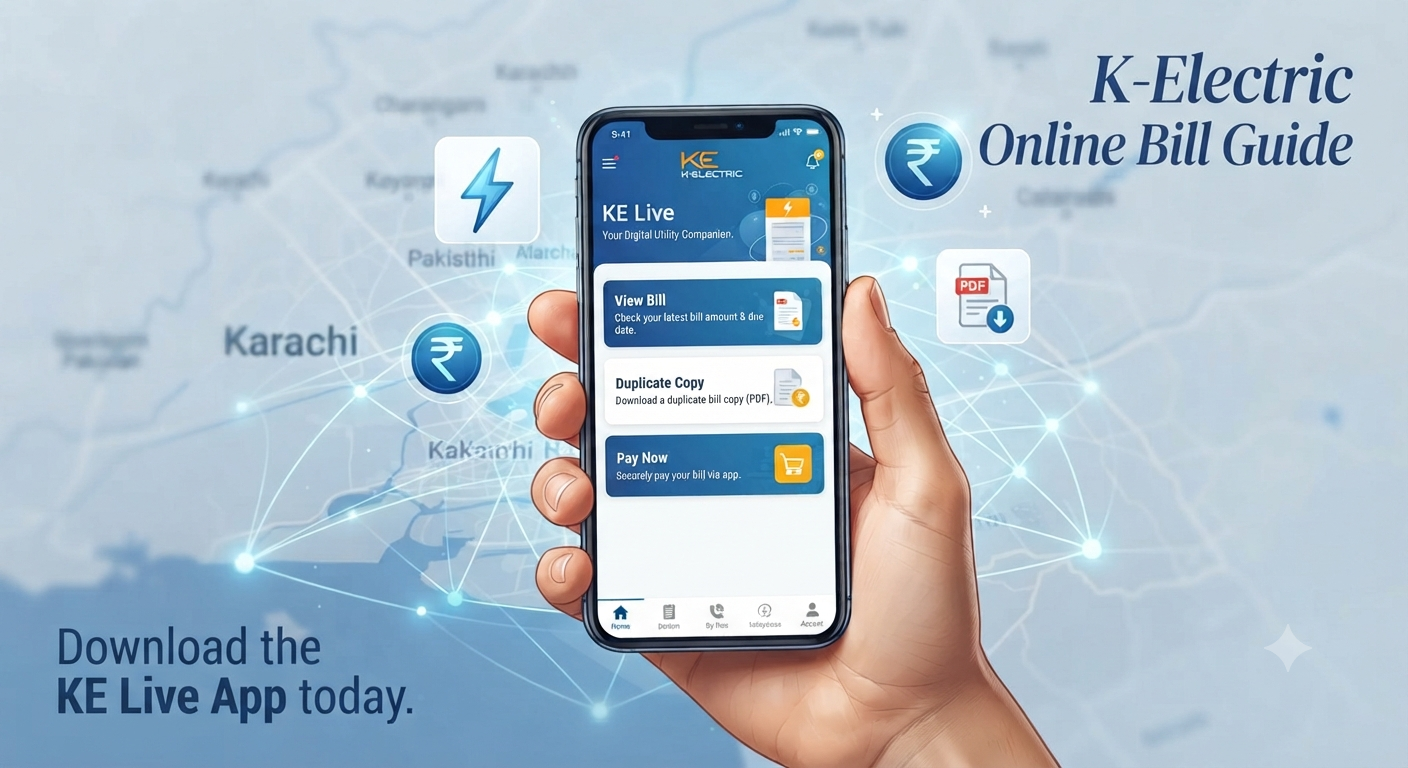
If you are a frequent user, the KE Live App is your best friend. Once you log in and add your 13-digit contract account number, you can access your bills, track payment history, and even lodge complaints directly. It’s a comprehensive dashboard for all your electricity needs.
3. Retrieve Your Bill via WhatsApp
This is perhaps the fastest method for most users.
- Save the official KE WhatsApp number: 0348-0000118.
- Send a message saying “Hi.”
- Follow the automated menu to select the “Duplicate Bill” option.
- Enter your 13-digit account number, and the PDF will be sent to your chat instantly.
Multiple Ways to Pay Your KE Bill Online
Gone are the days when bank counters were the only way to pay. Today, K-Electric supports a wide range of digital payment gateways.
Bank Mobile Apps and Internet Banking
Most major banks in Pakistan, such as ABL, HBL, and UBL, allow you to pay utility bills directly through their mobile apps. Look for the “Bill Payments” or “1BILL” section. By entering your unique 13-digit reference number, the app fetches your current outstanding amount, and you can pay it with a single tap.
Digital Wallets (JazzCash, EasyPaisa, and Others)
Mobile wallets are arguably the most convenient for quick payments.
- Open your wallet app (e.g., JazzCash or EasyPaisa).
- Select “Bill Payment” and choose “Electricity.”
- Select K-Electric as your provider.
- Enter your Consumer Number and hit “Pay.”
Pro Tip: Always take a screenshot of the transaction confirmation screen. While systems are usually fast, having proof of payment helps resolve any potential disputes regarding “late” updates in the KE system.
PAA: Frequently Asked Questions
Is it safe to pay my K-Electric bill online?
Yes, using official portals like the KE website, KE Live App, or recognized banking apps is secure. Always ensure you are on an official domain or using a verified banking application before entering your account details.
What should I do if I entered the wrong account number?
If you enter an incorrect account number on a third-party app, the transaction might fail or, worse, pay someone else’s bill. If you suspect an error, contact KE customer support immediately at 118 or 99000 to clarify the situation.
Can I download previous months’ bills?
While the main website and WhatsApp service typically show the current bill, the KE Live App and your bank’s transaction history are the best places to track previous payments and statements.
Why is my bill showing as unpaid after I paid online?
Sometimes it takes 24 to 48 hours for a payment to reflect in the K-Electric central system. If it has been more than 48 hours, reach out to the customer care email at customer.care@ke.com.pk with your transaction receipt.
What are the “Fixed Charges” mentioned on my bill?
As per SRO 279(1)/2026, residential fixed charges are now calculated based on your sanctioned load (kW). This change is intended to align costs with the capacity provided to your home rather than just units consumed.
Final Thoughts for the Digital Consumer
Managing your utility bills in Karachi has evolved significantly. By adopting these digital habits—keeping your 13-digit account number saved in your phone and using trusted apps for payments—you save time and avoid the stress of manual billing cycles.
If you ever run into a technical snag, remember that K-Electric’s support channels on WhatsApp and the 118 helpline are available 24/7. Stay connected, stay updated, and make the most of the digital tools at your fingertips.