
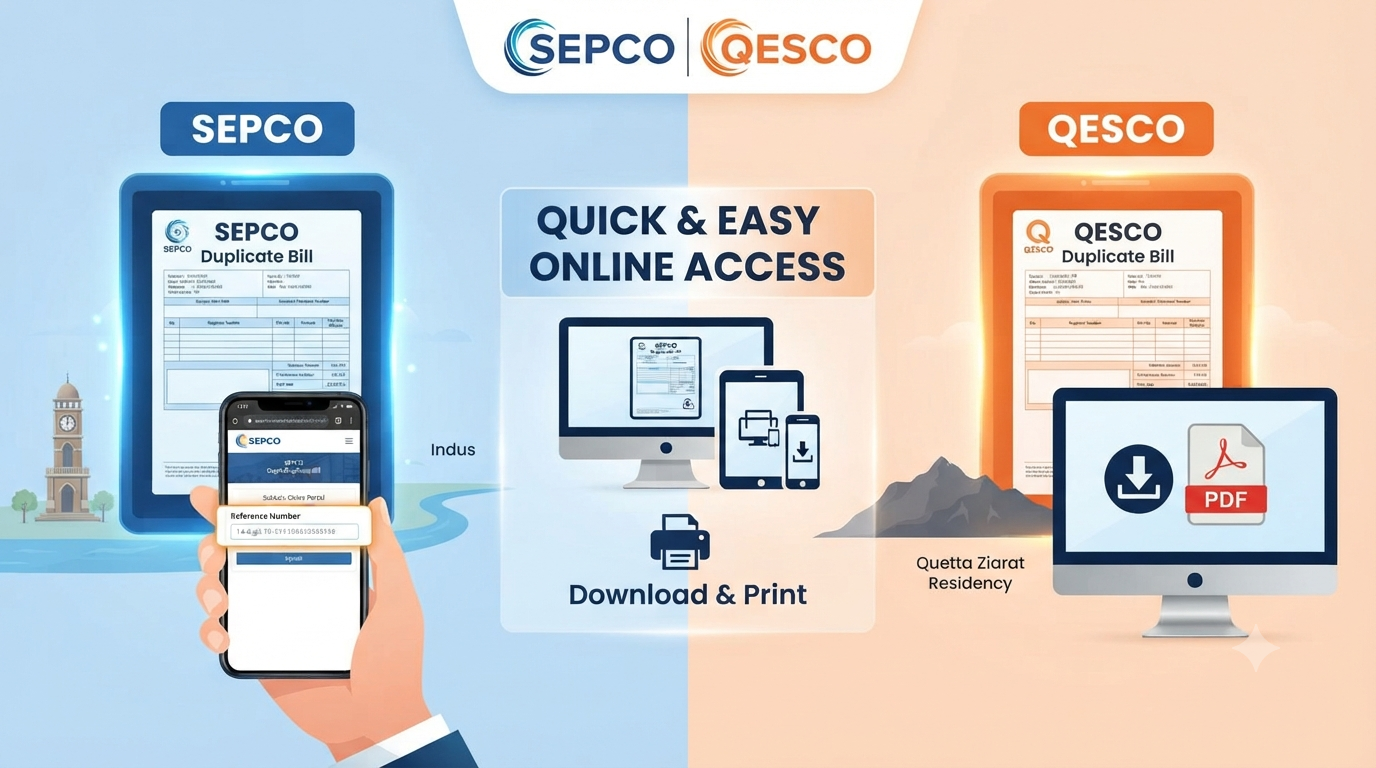
SEPCO/QESCO Duplicate Bill Download
Easily download your SEPCO or QESCO duplicate bill online. Follow our step-by-step guide for Sukkur and Quetta consumers to view, print, and pay your electricity bills instantly. Lost your electricity bill, or did it simply not arrive at your doorstep this month? Don’t worry—you aren’t alone. Thousands of residents across Sukkur and Quetta face this exact issue, but thankfully, gone are the days of standing in long queues at the customer service center just to get a copy of your bill. In this guide, I’ll walk you through exactly how to retrieve your SEPCO or QESCO duplicate bill online in minutes, along with tips to ensure you never miss a payment deadline again.
Also read: HESCO Online Bill Check: View and Download Your Hyderabad Electricity Bill
Why You Should Access Your Electricity Bill Online
In today’s digital-first environment, relying on a paper bill is often a recipe for late fees. Whether you are a SEPCO consumer in the sweltering heat of Sukkur or a QESCO user managing power in the vast expanse of Balochistan, digital access is your best friend.
- Avoid Late Surcharges: By accessing your bill the moment it’s generated, you ensure you have enough time to pay before the due date passes.
- Convenience: Skip the trip to the local sub-division office. You can print your bill from your home or office.
- Budget Management: Tracking your monthly units and fuel price adjustments (FPA) helps you keep an eye on your consumption patterns.
How to Find Your 14-Digit Reference Number
Before you can download your bill, you need your unique identifier. This is the 14-digit reference number found on every electricity bill.
If you don’t have a physical copy nearby, check your previous month’s utility bill or any saved PDF on your phone. It is usually printed in a distinct box near the top-left margin of the bill, sitting right above your name and address details.
Expert Insight: If you’ve misplaced your reference number, you can often find it saved in your mobile banking app or utility payment history if you’ve paid online previously. If all else fails, a quick call to your local SDO office with your account details can help you recover it.
Steps to Download Your SEPCO Duplicate Bill
SEPCO (Sukkur Electric Power Company) serves a vast region including Sukkur, Khairpur, Larkana, and Jacobabad. Getting a duplicate copy is straightforward.
- Visit the Official Portal: Navigate to the official SEPCO website or a recognized PITC-connected online bill checker.
- Enter Reference Number: Locate the search bar and carefully enter your 14-digit reference number. Ensure there are no spaces or hyphens.
- View and Print: Once the system fetches your record, you will see your current bill details including the due date and payable amount. Click the “Print” or “Download PDF” button to save it to your device.
Steps to Download Your QESCO Duplicate Bill
For consumers in Quetta, Gwadar, and across Balochistan, the QESCO (Quetta Electric Supply Company) portal is the primary gateway for digital billing.
- Access the Online Portal: Go to the official QESCO bill viewing page.
- Input Credentials: Input your 14-digit reference number into the provided field.
- Generate Web Bill: After hitting the submit button, your bill for the current month will appear on your screen. You can then download it as a PDF or send it directly to a printer.
Can I check my bill using my CNIC?
A common question I hear is whether a bill can be retrieved via a National Identity Card (CNIC). For security and privacy reasons, the public electricity database does not allow searches via CNIC. You must use your consumer ID or reference number to ensure the privacy of your account.
Frequently Asked Questions (FAQ)
1. Is it free to download a duplicate electricity bill?
Yes, accessing and downloading your electricity bill through official and authorized third-party platforms is completely free of charge.
2. What should I do if my reference number is not working?
Double-check the 14-digit number for typos. If the error persists, ensure you are using the correct portal for your specific utility company (SEPCO vs. QESCO). If it still fails, your account might be under a status update; contact your local customer support office.
3. Can I pay my bill after downloading it online?
Absolutely. Once you have the bill in hand (or digital format), you can pay it through mobile banking apps, ATMs, or digital wallets like JazzCash or EasyPaisa.
4. Are online bills valid for bank payments?
Yes, the web-generated duplicate bill is an official document and is accepted at all designated bank branches and through online banking portals.
5. Why is my bill amount different from last month?
Fluctuations often occur due to changes in units consumed, seasonal “Fuel Price Adjustments” (FPA), or changes in government taxes and surcharges. Review the “breakdown” section of your bill to see these details clearly.